
Technology

All inference is local. No cloud. No GPU.

CPU-optimized models run on standard Intel/AMD processors. Your camera streams and biometric data never leave your network.

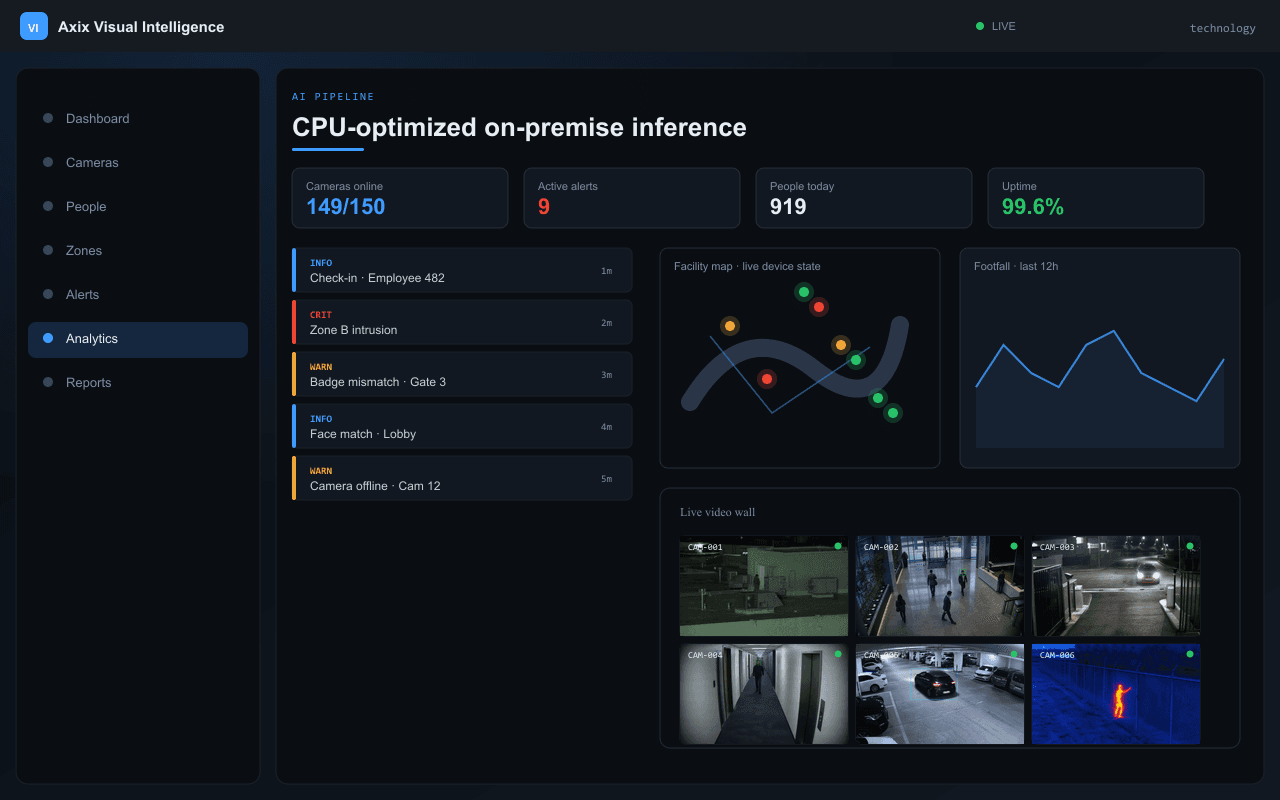
CPU-optimized on-premise inference — Axix Visual Intelligence
AI pipeline

CPU-optimized on-premise inference

Production-grade computer vision models tuned for Intel and AMD CPUs — person detection, face matching, and tracking without a GPU.

  • Standard i5/i7 or Ryzen hardware
  • No cloud AI API calls
  • 10+ cameras on recommended hardware
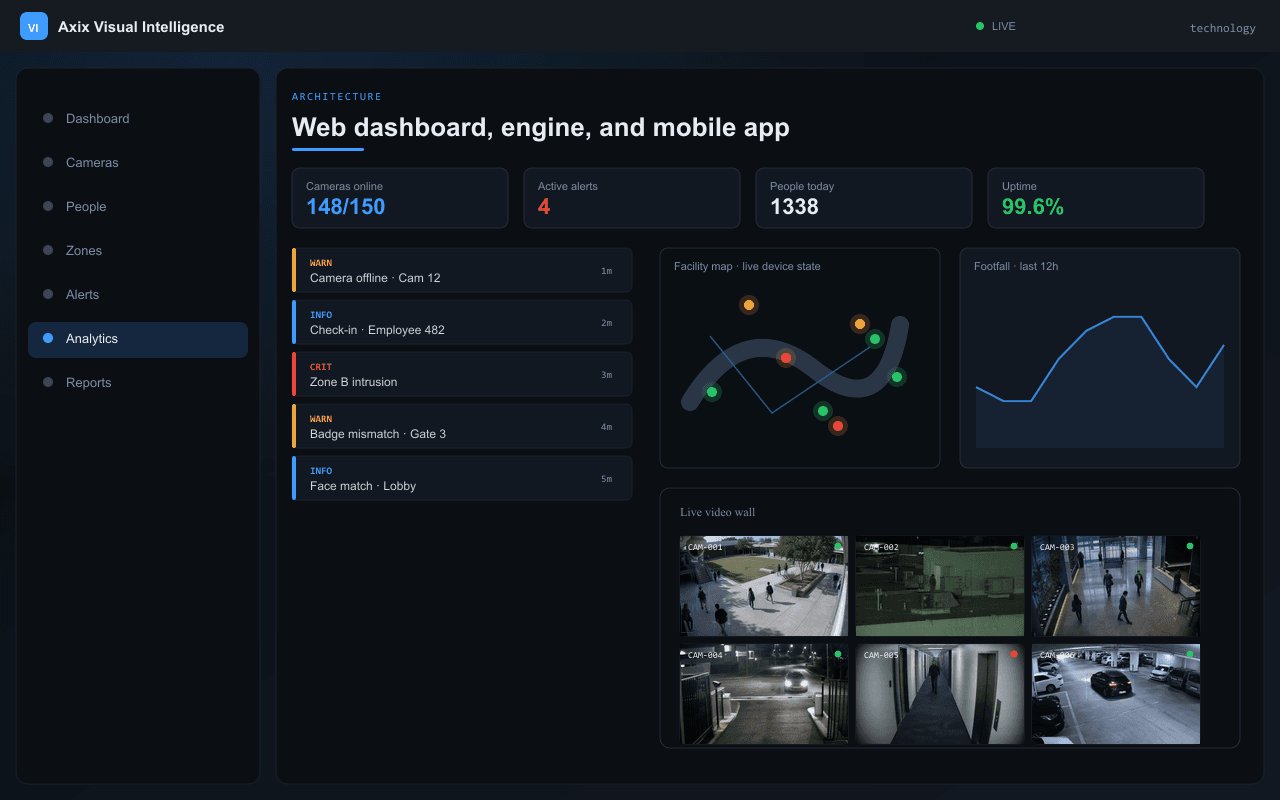
Web dashboard, engine, and mobile app — Axix Visual Intelligence
Architecture

Web dashboard, engine, and mobile app

Three platforms sharing one on-premise engine — operators use the web command center, guards use the mobile app.

  • Containerized deployment
  • Web UI for configuration and monitoring
  • Android and iOS guard apps
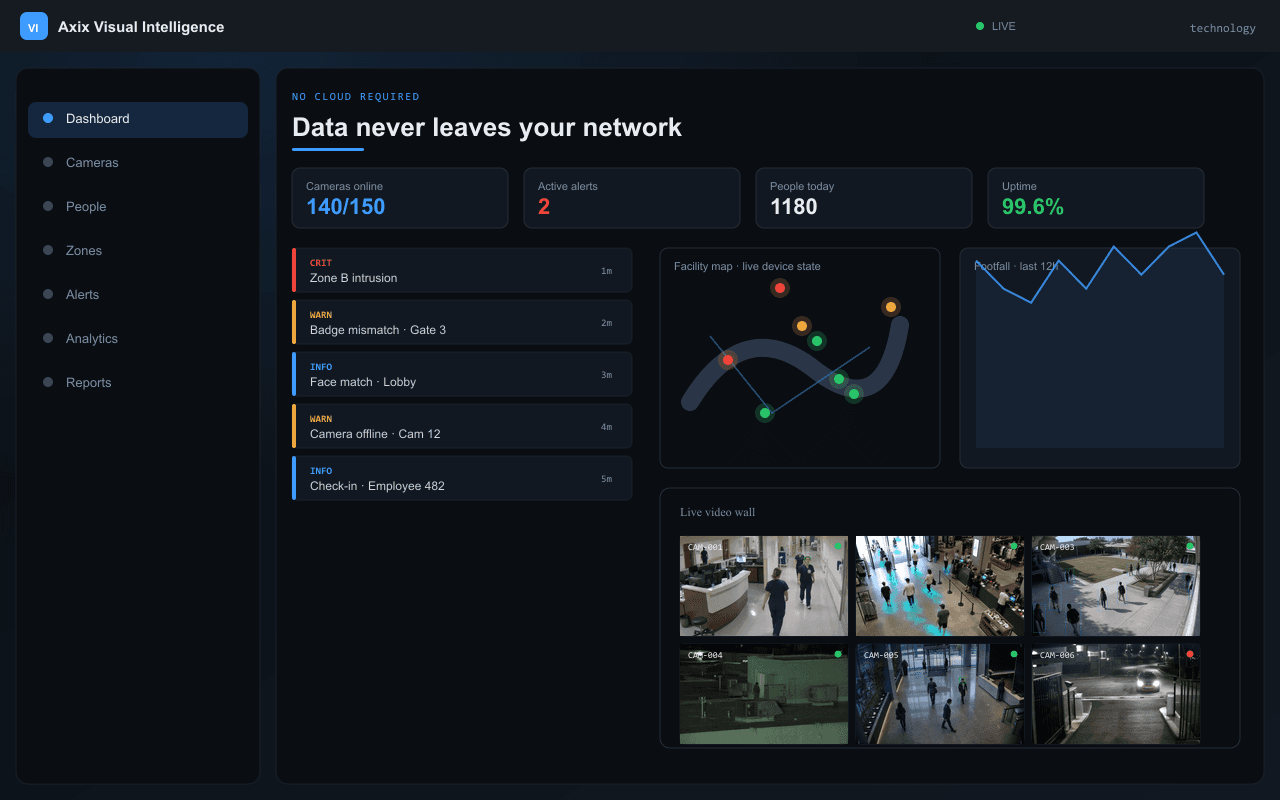
Data never leaves your network — Axix Visual Intelligence
No cloud required

Data never leaves your network

Camera streams, biometric templates, and alert history stay on your local network. Fully air-gapped deployments supported.

  • 100% on-premise processing
  • No internet dependency for core features
  • Enterprise data sovereignty
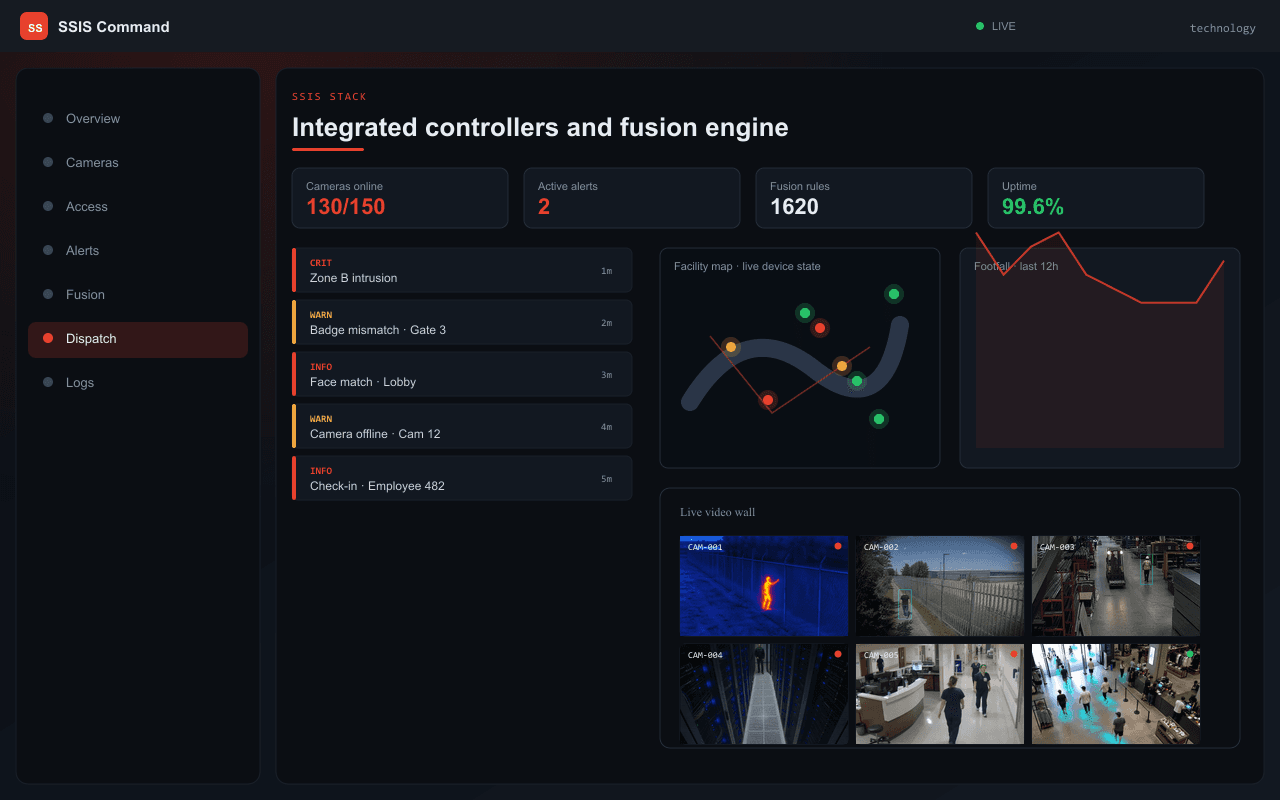
Integrated controllers and fusion engine — Axix Visual Intelligence
SSIS stack

Integrated controllers and fusion engine

For large facilities, SSIS adds CCTV/VMS, access control, PSIM fusion, and dispatch on top of the same AI engine.

  • IP camera video wall
  • CAMNITIVE fusion — 90% fewer false alarms
  • 12 integrated controller modules
AI models

Production-grade computer vision

ModelPurpose
Person DetectionIdentifies people in each video frame
Video TrackingFollows individuals across frames and cameras
Appearance AnalysisMatches people when faces are not clearly visible
Face RecognitionMatches enrolled employees and visitors in real time
CPU-Optimized AIRuns on standard Intel/AMD servers without a GPU
Zone & Intrusion LogicEvaluates access rules and forbidden areas
Stack

Three platforms, one system

LayerTechnology
Web DashboardBrowser-based admin console
AI ProcessingOn-premise video analytics engine
Mobile AppiOS and Android guard app
Data StorageLocal secure database on your network
Alert DeliveryReal-time notifications to web and mobile
Live VideoLow-latency camera preview with AI overlay
DeploymentContainerized on-premise installation
Deployment

Three deployment options

Full Production Stack

Complete production deployment with containerized services: AI engine, live video, local database, cache layer, web dashboard, and web server. Persistent storage for database, images, models, and logs.

Best for: Enterprise clients with IT team

Client-Only Package (No Source Code)

Pre-built application images — no source code access. Client runs the included setup scripts. Browser auto-detects host address.

Best for: Turnkey installation without technical setup

Lightweight Mode

Admin console and streaming only — no background event processing. Suitable for smaller deployments with fewer than 5 cameras.

Best for: Small offices, pilot deployments
Getting started

Installation in six steps

  1. Install container runtime on server
  2. Load surveillance application images
  3. Start the platform services
  4. Open browser at your server address
  5. Complete company setup and admin login
  6. Add cameras → Enroll employees → Train recognition → Go live
FAQ

Frequently asked questions

Does this require an internet connection?
No. Axix Surveillance is fully on-premise. All AI processing, storage, and alerts happen on your local network. Camera streams and biometric data never leave your premises.
Do we need a GPU?
No. The system uses CPU-optimized AI processing. Runs on standard Intel i5/i7 or AMD Ryzen hardware. No dedicated graphics hardware, no cloud AI API, no additional hardware cost.
How long is history stored?
All records in local local database. Duration limited only by disk capacity. Plan 500 GB+ SSD for 10 cameras with violation and tracking images.

Ready to make your cameras intelligent?

Request a demo, download the datasheet, or talk to our team about on-premise deployment for your facility.