
Resources
Documentation
Platform documentation covering installation, camera setup, alert configuration, integrations, and SSIS hardware modules.
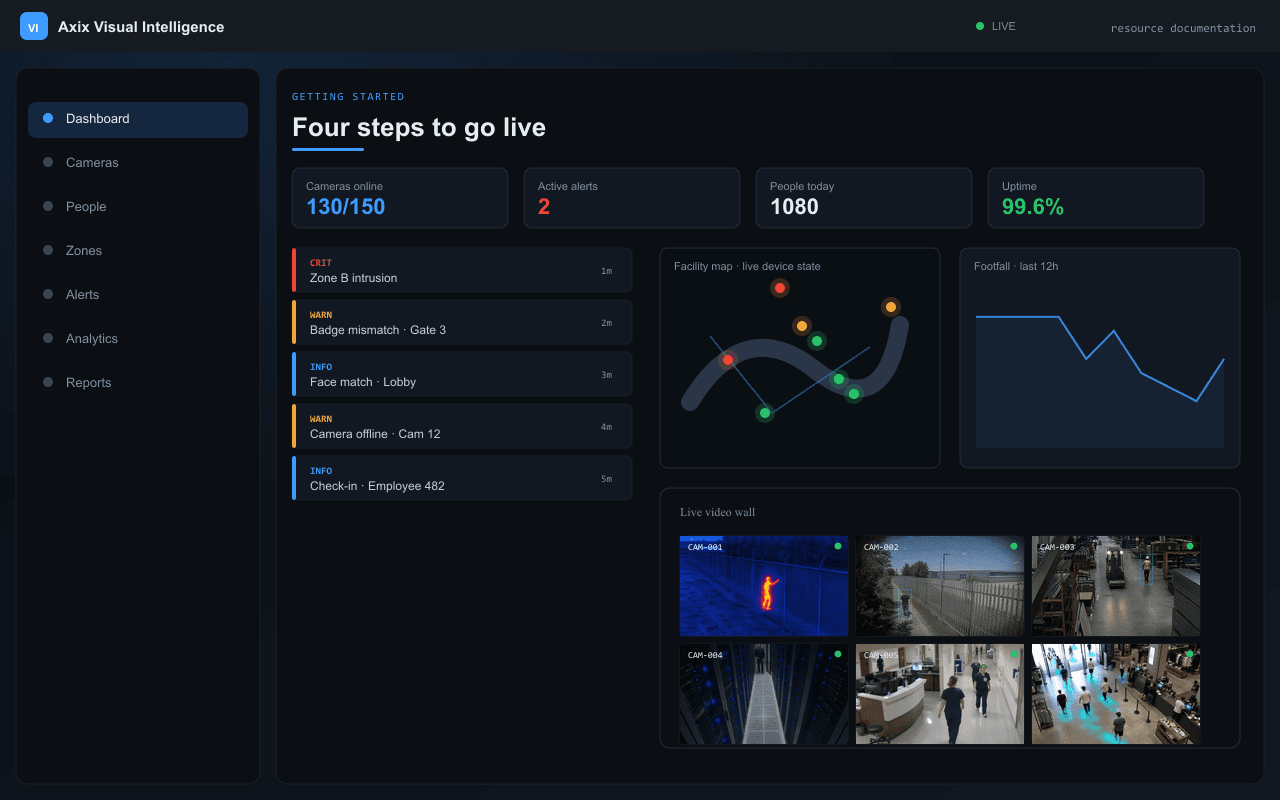
Getting started
Four steps to go live
Add any IP camera, test the connection, configure AI settings, assign zones, and go live.
- Connect IP cameras from the web dashboard
- Configure per-camera AI settings and assign zones
- Enroll employees and visitors with face photos
- Train recognition index and start live processing
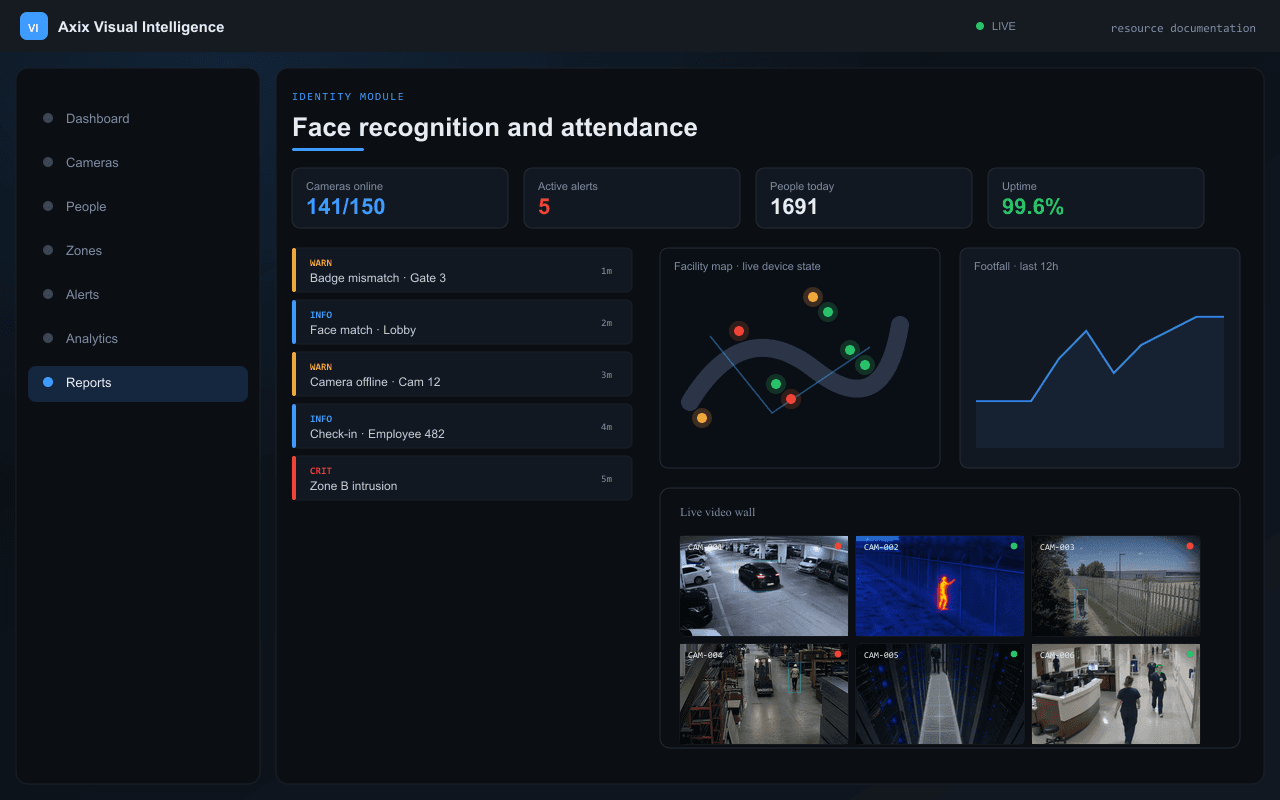
Identity module
Face recognition and attendance
- Real-time face matching against enrolled database
- ACTIVE persons: automatic check-in and attendance
- BLOCKED persons: instant alarm with snapshot
- Bulk import and one-click recognition index rebuild
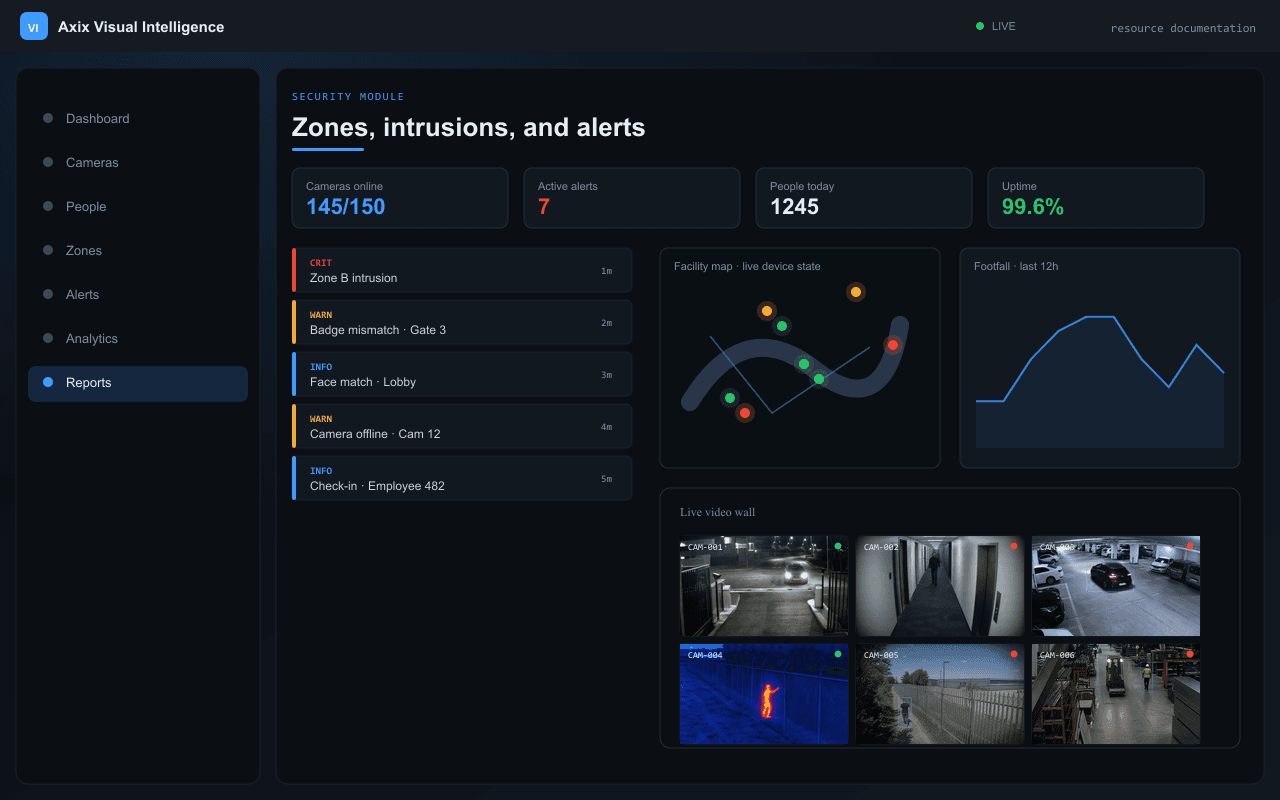
Security module
Zones, intrusions, and alerts
- Zone access control with person whitelist and badge color
- Polygon no-go intrusion detection per camera
- Five unified alert types delivered to web and mobile
- Real-time delivery with snapshot image per alert
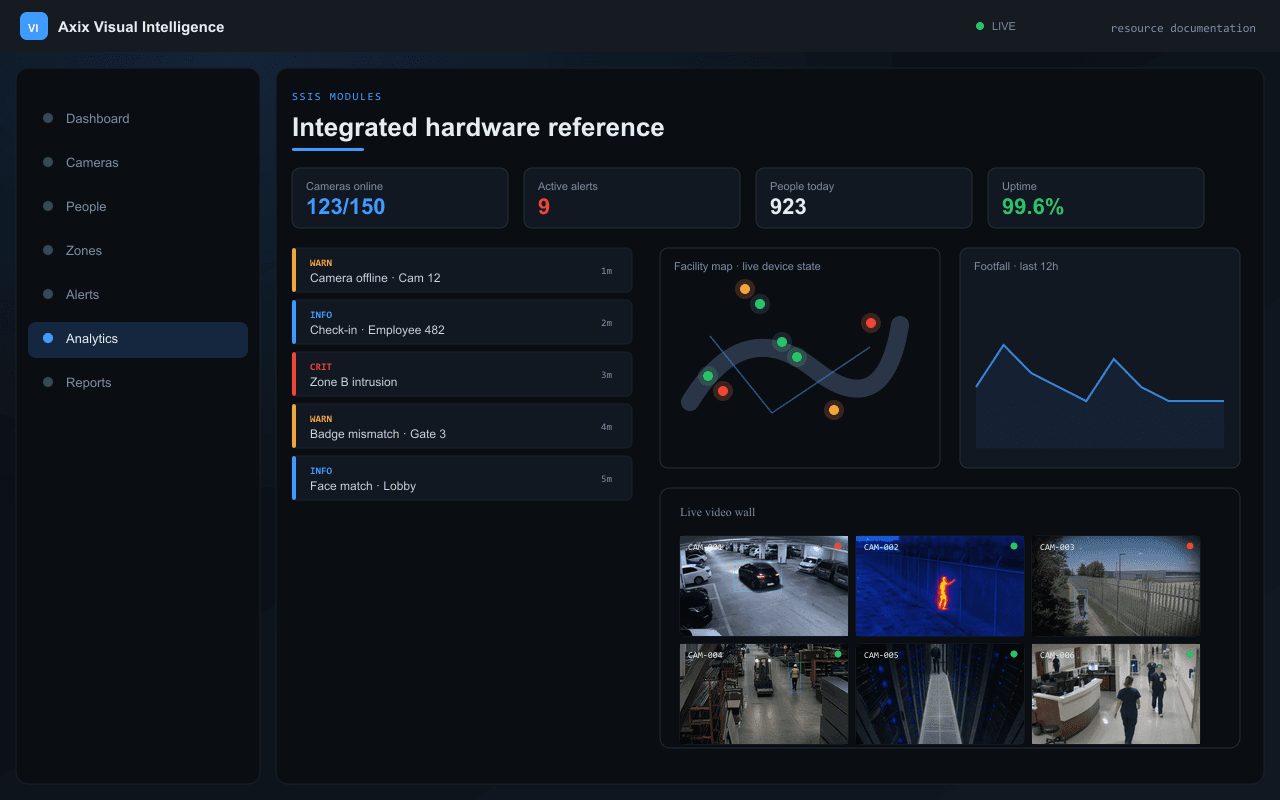
SSIS modules
Integrated hardware reference
- CCTV/VMS — IP cameras, PTZ, ANPR, thermal
- Access control — gates, face recognition, visitor management
- PSIM data fusion — 90% false alarm reduction
- Response and dispatch with drone fleet coordination
Need more help?
Browse the full resource library, contact our team, or request a live demo of Axix Visual Intelligence.