How Axix Surveillance works
Connect cameras, process every frame with CPU-only AI, deliver alerts instantly, and audit everything.
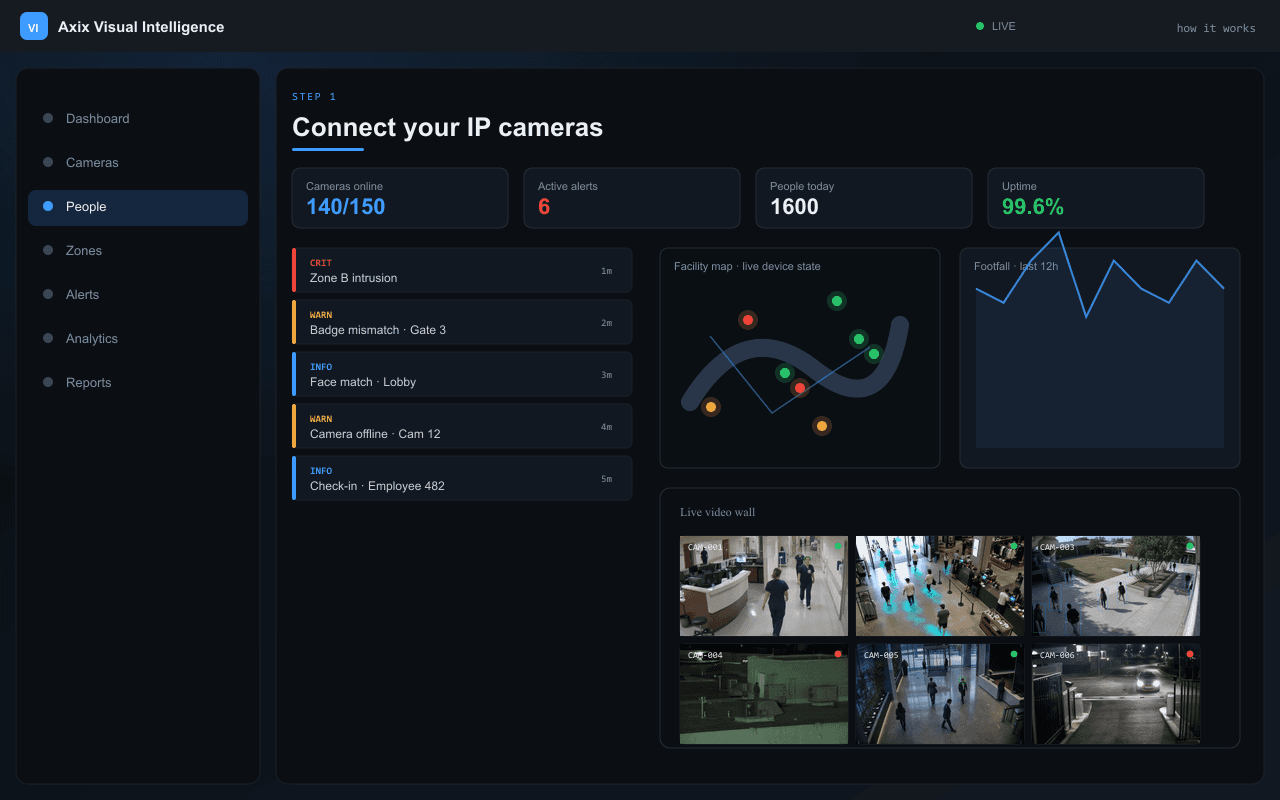
Connect your IP cameras
Add any IP camera from the web dashboard — test the connection, configure per-camera AI settings, assign zones, and go live.
- Dahua, Hikvision, and any IP/HTTP stream
- Per-camera AI configuration
- Zone assignment before go-live
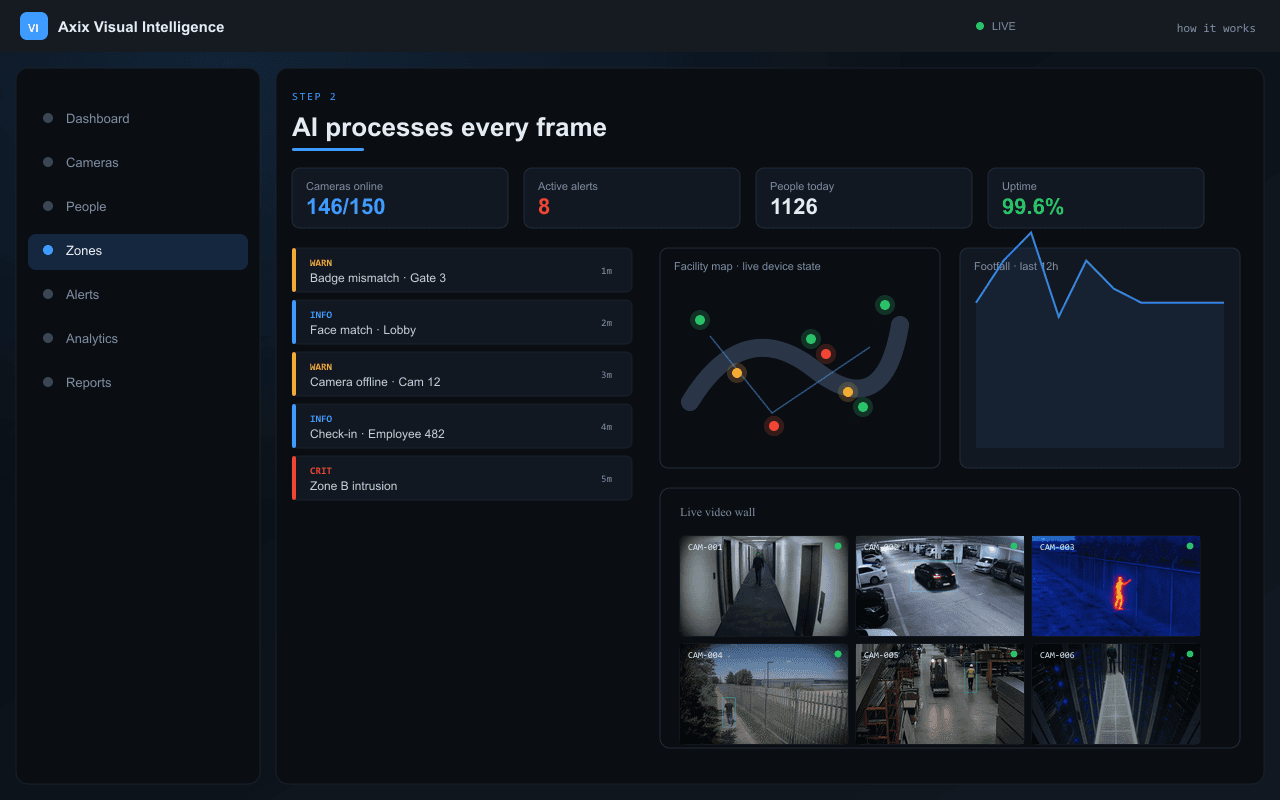
AI processes every frame
Person detection → video tracking → face recognition → zone check → alert generation. All on your CPU.
- CPU-optimized models — no GPU
- Multi-stage pipeline per camera
- Real-time processing at 15–30 FPS
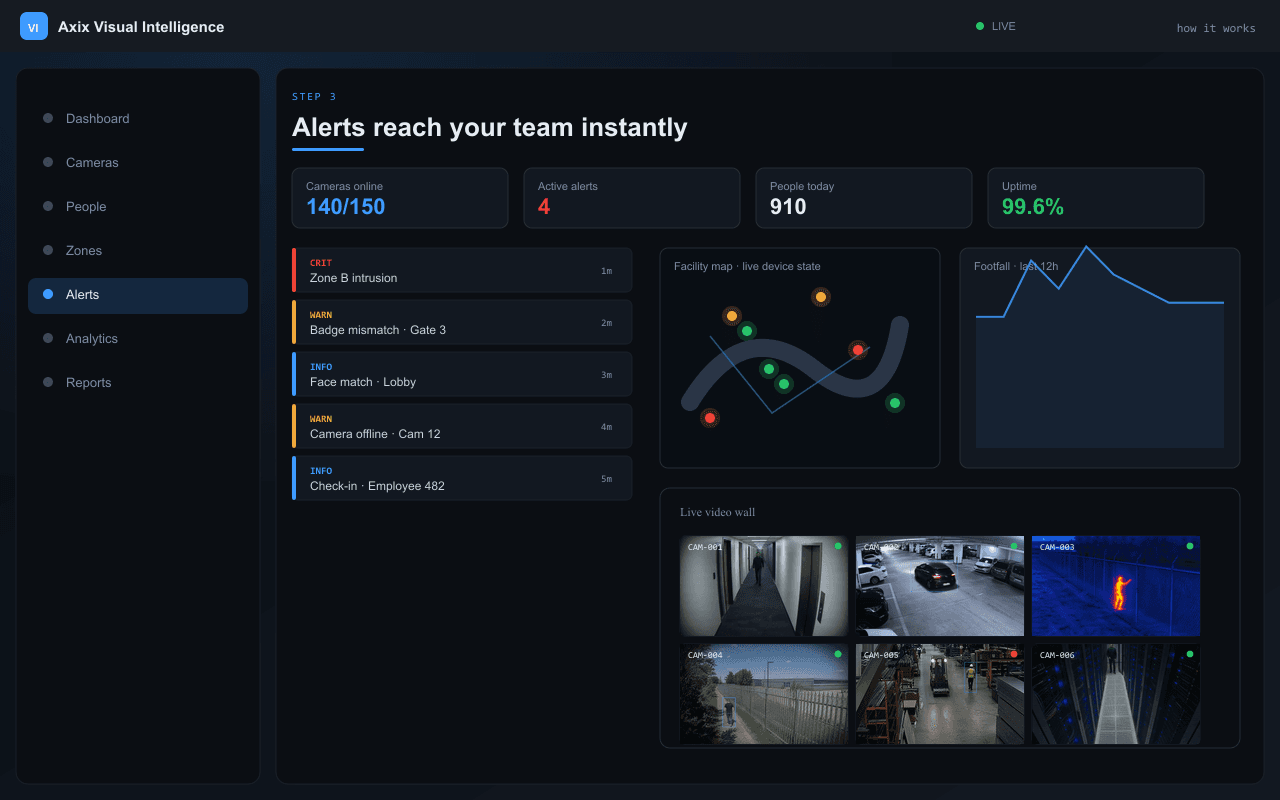
Alerts reach your team instantly
Zone violations, blocked persons, intrusions, and camera failures delivered to web dashboard and mobile guard app.
- Snapshot image on every alert
- Mobile guard acknowledge workflow
- Tiered INFO, WARN, CRITICAL feed
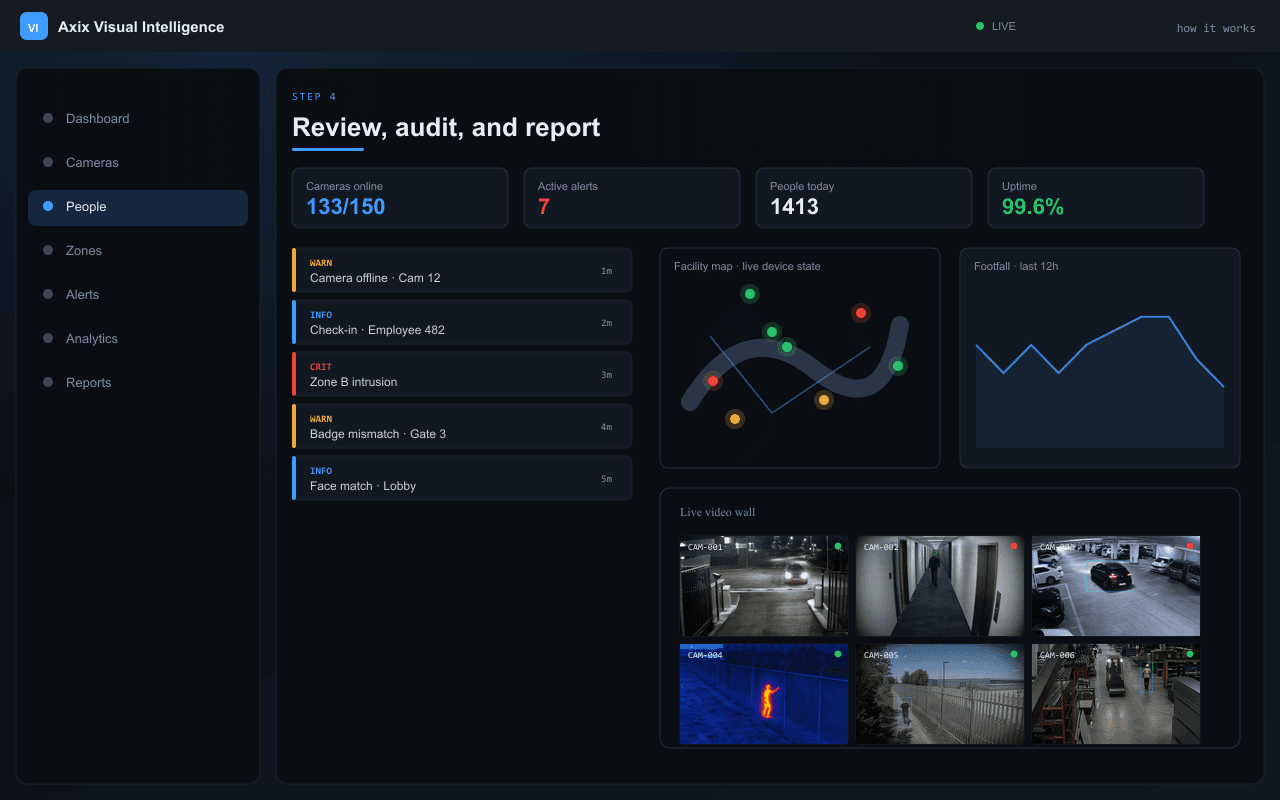
Review, audit, and report
Every detection, check-in, violation, and alert stored with images and timestamps. Search and export for compliance.
- Search by person, camera, date, alert type
- Cross-camera movement timelines
- CSV and PDF exports
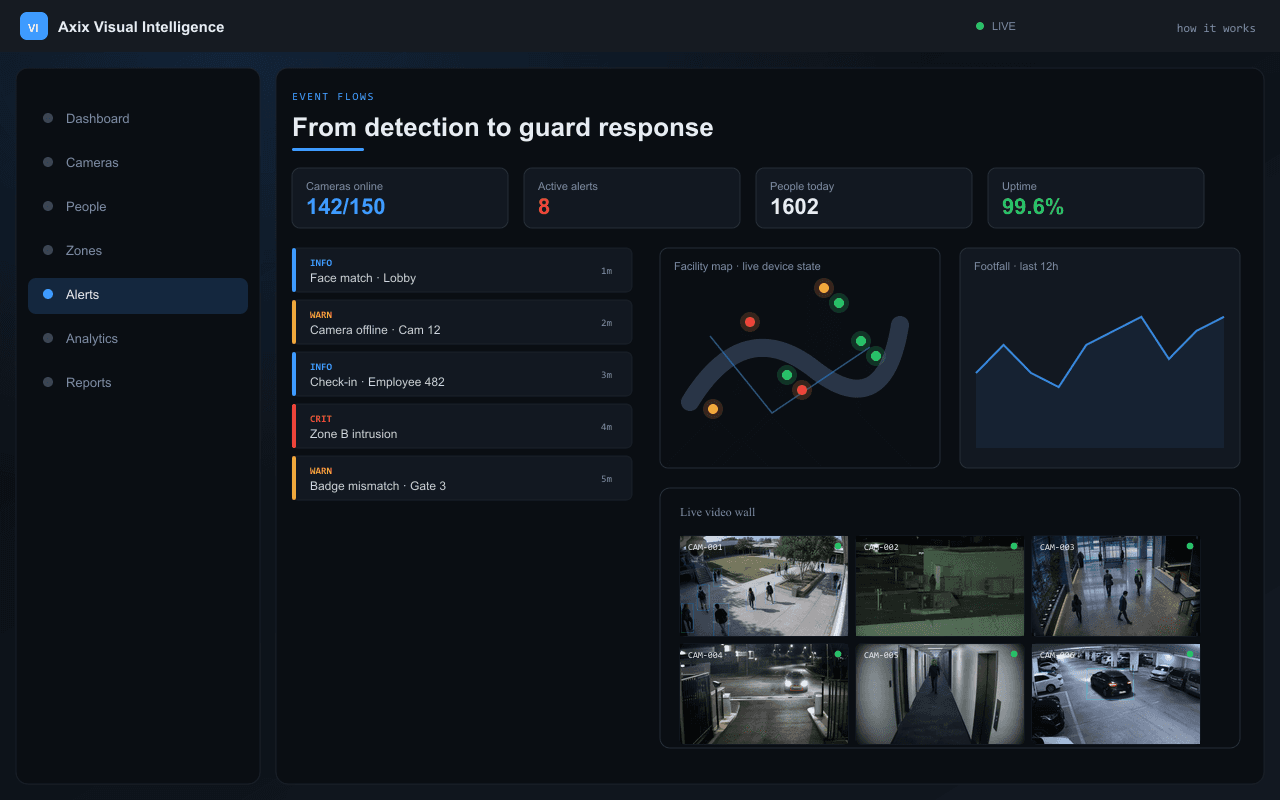
From detection to guard response
Typical pipelines for blocked persons, zone violations, cross-camera tracking, and footfall counting — all logged and auditable.
- Blocked person → alarm → mobile alert
- Zone violation → snapshot → dispatch
- Full event lifecycle audit trail
Four steps to go live
Connect Your IP Cameras
Add any IP camera (IP camera, HTTP, Dahua, Hikvision, or others) from the web dashboard. Test the connection, configure per-camera AI settings, assign it to a zone, and go live. The system starts processing frames immediately.
AI Processes Every Frame
Each camera feed runs through a multi-stage pipeline: Person Detection (person detection) → Tracking (video tracking) → Face Recognition (face matching) → Zone Check → Alert Generation. All processing runs on your CPU — CPU-optimized models.
Alerts Reach Your Team Instantly
Zone violations, blocked persons, intrusions, and camera failures — all delivered in real time to the web dashboard and mobile guard app. Every alert includes a snapshot image and timestamp.
Review, Audit & Report
Every detection, check-in, violation, and alert is stored with images and timestamps. Search by person, camera, date, or alert type. Export CSV/PDF. View cross-camera movement timelines.
Typical event flows
From camera detection to mobile alert — every path is logged and auditable.
Blocked Person Detected
Zone Violation
Cross-Camera Tracking
Daily Footfall Count
Multi-stage processing on your CPU
IP Camera → Person Detection → Video Tracking → Face Recognition → Zone Check → Alert Generation
Technical questions
Can guards use their own smartphones?
Zone violations vs no-go intrusions — what's the difference?
Can it track someone wearing a mask or facing away?
Ready to make your cameras intelligent?
Request a demo, download the datasheet, or talk to our team about on-premise deployment for your facility.