
Real-time alert delivery scoped to guard's assigned area
Mobile
Alerts in the field — not just the control room
The mobile guard app delivers real-time alerts to guard smartphones — scoped to their assigned area and alert types.
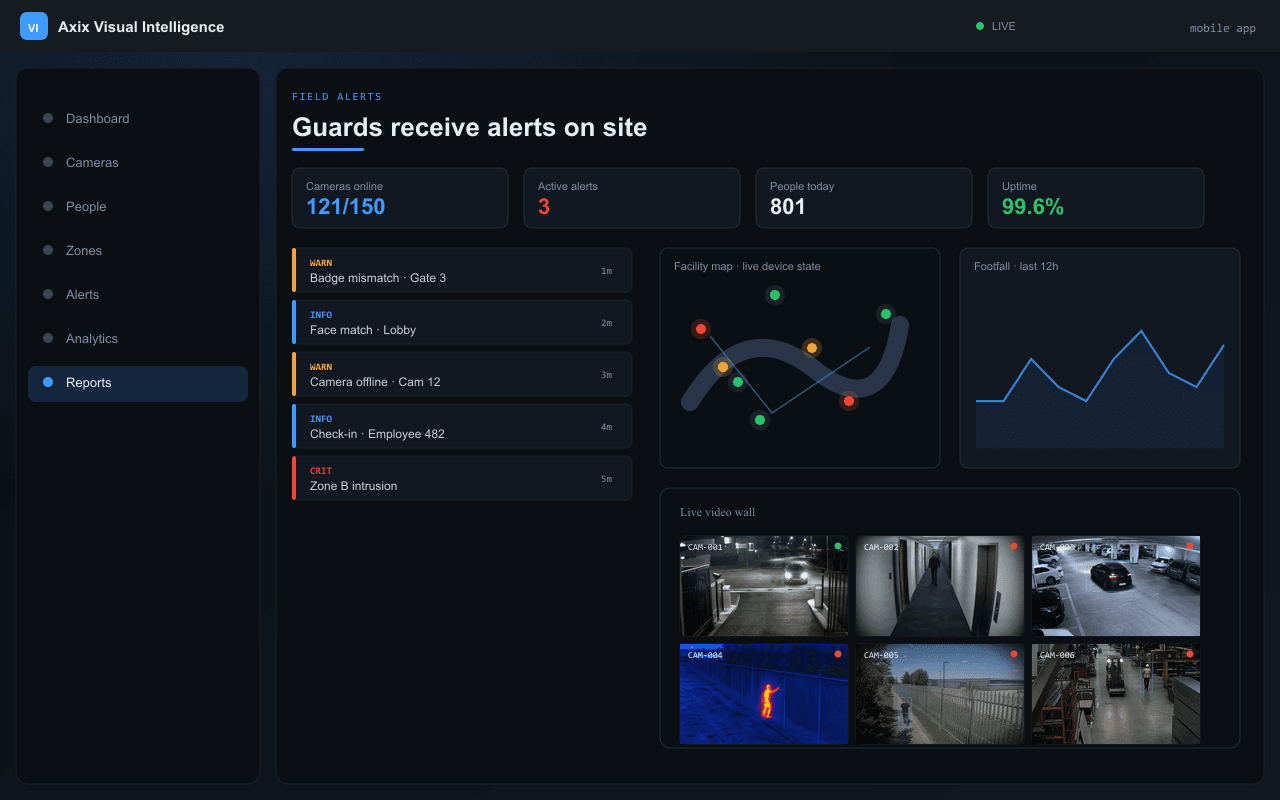
Field alerts
Guards receive alerts on site
Real-time push notifications for zone violations, blocked persons, intrusions, and camera failures — directly on guard smartphones.
- Android and iOS support
- Snapshot image with every alert
- Instant push notification delivery
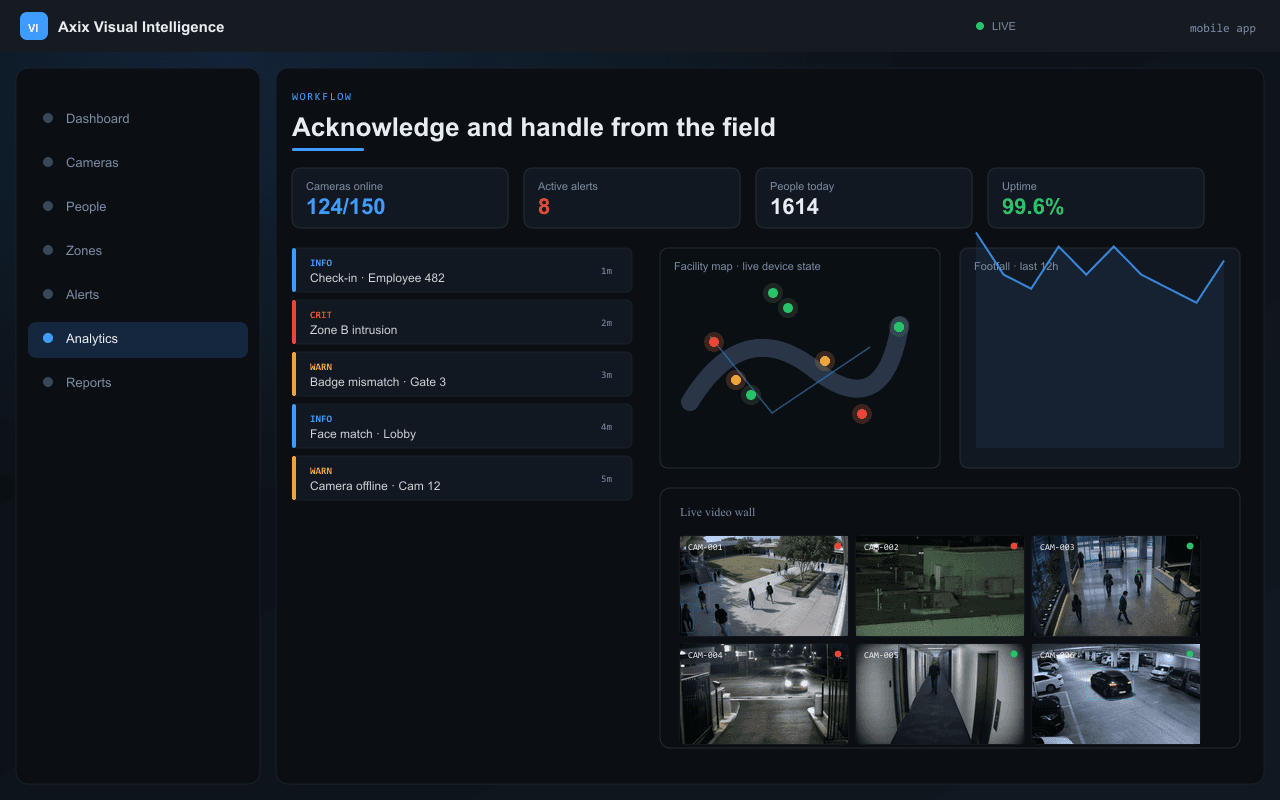
Workflow
Acknowledge and handle from the field
Guards acknowledge alerts, view evidence snapshots, and coordinate response without returning to the control room.
- One-tap acknowledge workflow
- Alert history on device
- Field notes and status updates
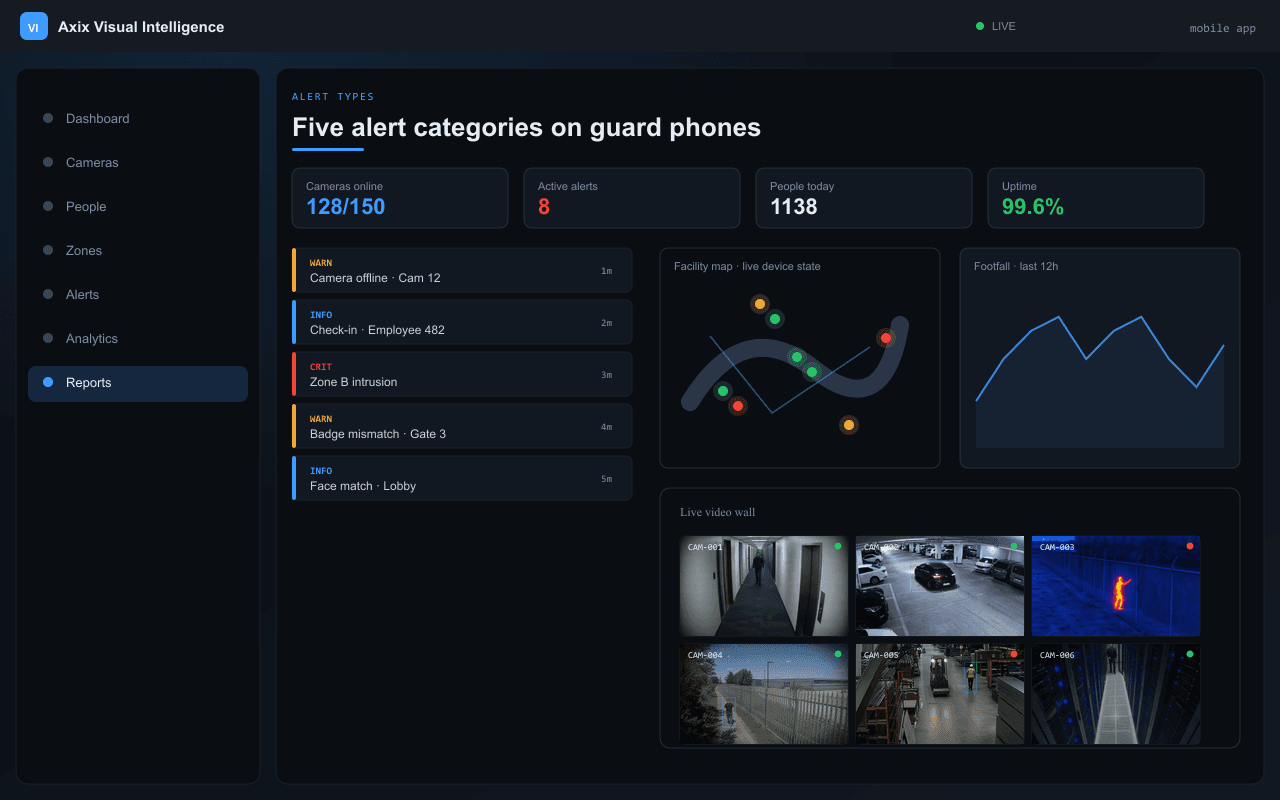
Alert types
Five alert categories on guard phones
Blocked person, zone violation, intrusion, camera offline, and custom alert types — all with snapshot evidence.
- Blocked person detection alarms
- Zone access violations
- No-go area intrusions
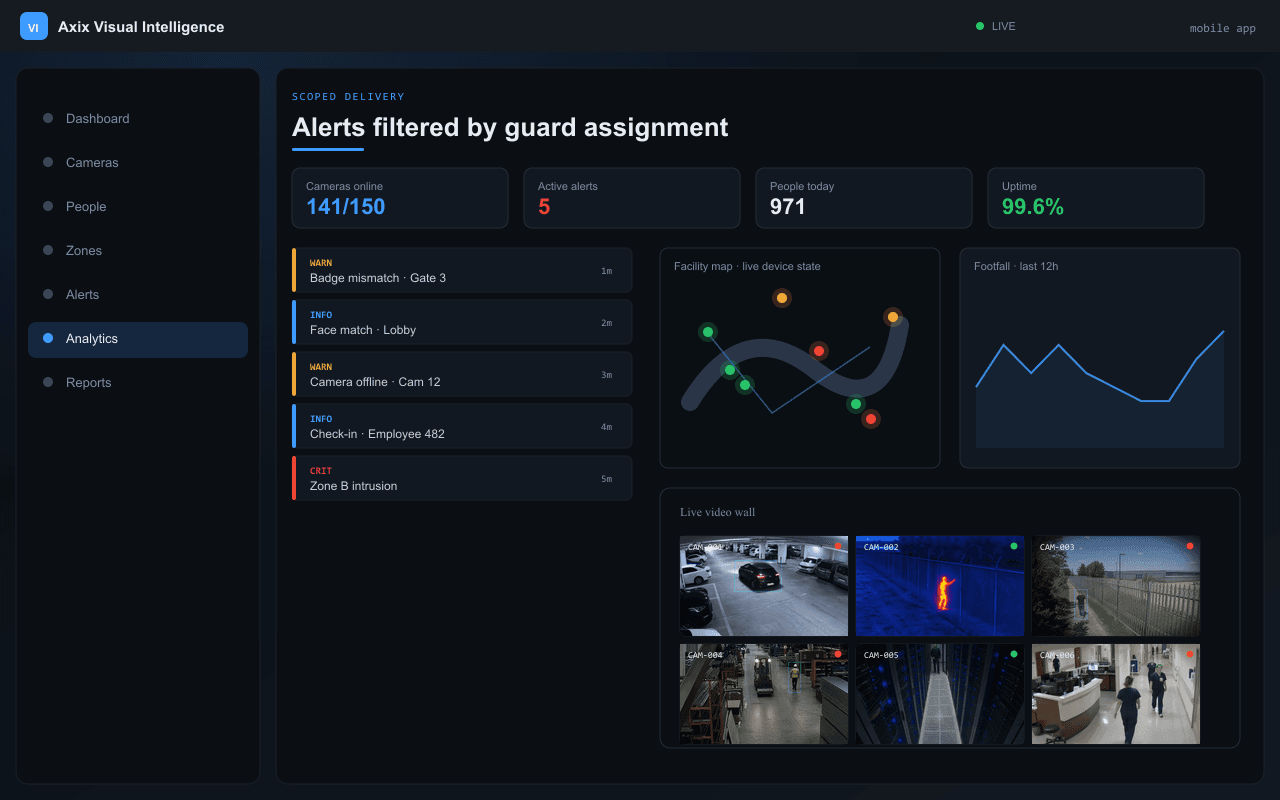
Scoped delivery
Alerts filtered by guard assignment
Each guard receives only alerts for their assigned area and alert types — reducing noise and improving response time.
- Per-guard area assignment
- Alert type filtering
- Shift-based scoping
Guard workflow
Five alert types on every guard phone
| Alert Type | Trigger | Delivery |
|---|---|---|
| Blocked Employee | Face match + BLOCKED status | Web + Mobile |
| Blocked Visitor | Face match + BLOCKED status | Web + Mobile |
| CCTV Health | Camera ping failure | Web + Mobile |
| No-Go Intrusion | Person inside forbidden polygon | Web + Mobile |
| Zone Violation | Unauthorized person in zone | Web + Mobile |
Capabilities
Built for on-site security teams
Five alert types: blocked employee/visitor, CCTV health, no-go intrusion, zone violation
Acknowledge and handle workflow from the field
Snapshot image and timestamp per alert
Configure server IP and log in with admin-created credentials
Android and iOS mobile app
Push notifications for critical alerts
Offline queue with sync on reconnect
FAQ
Mobile app questions
Can guards use their own smartphones?
Yes. mobile mobile app runs on Android and iOS. Guards configure server IP, log in with admin-created credentials. Alerts scoped to their assigned area and types.
Zone violations vs no-go intrusions — what's the difference?
No-go areas = absolute exclusion, anyone triggers alarm. Zones = access-controlled with whitelist — only unauthorized persons trigger violation. Both can run on same camera.
Ready to make your cameras intelligent?
Request a demo, download the datasheet, or talk to our team about on-premise deployment for your facility.